
Notion, ClickUp, and Asana get compared constantly, but the comparison is slightly unfair to all three, because they’re built on different philosophies. Notion is a flexible workspace that can become anything. ClickUp is a feature-dense work platform that wants to replace your whole stack. Asana is a focused task manager that wants your team to actually finish things.
The right choice depends on which philosophy matches how you work. Here’s the honest mapping.
Disclosure: some links below are affiliate links. If you purchase through them we may earn a commission at no extra cost to you. This doesn’t affect our rankings.
Quick answer: Notion, ClickUp, and Asana solve different problems. This comparison maps each tool to the type of person and team it’s genuinely built for.
Quick Comparison
| Notion | ClickUp | Asana | |
|---|---|---|---|
| Core identity | Flexible all-in-one workspace | Feature-heavy work platform | Focused project & task manager |
| Best for | Solo users, docs-heavy teams | Power users, ops-heavy teams | Teams that need clarity, fast |
| Free tier | Generous for individuals | Generous | Solid for small teams |
| Paid from | ~$10/user/mo | ~$7/user/mo | ~$11/user/mo |
| Learning curve | Medium (blank-canvas problem) | Steep | Gentle |
| Biggest risk | Becomes a beautiful mess | Feature overwhelm | Outgrowing its focus |
Prices change frequently, confirm current pricing on each vendor’s site.
BrightFlow Scorecards
Our independent assessment, a weighted rubric (Performance 40%, Ease of use 20%, Features 20%, Value 20%) informed by specs, owner-feedback patterns and professional testing coverage. Scored out of 10.
Notion: The Flexible Workspace
Notion’s superpower is that it’s whatever you build: a wiki, a CRM, a content calendar, a project tracker, all connected. For solo users and small teams whose work is document-centric, writers, consultants, agencies producing deliverables, this flexibility is genuinely valuable.
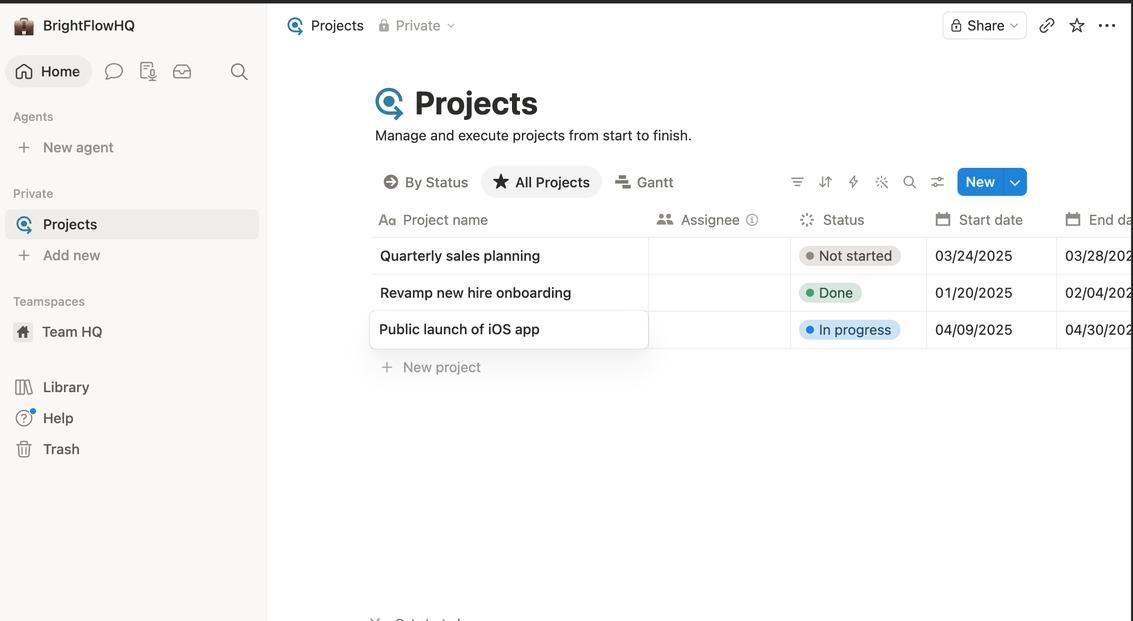
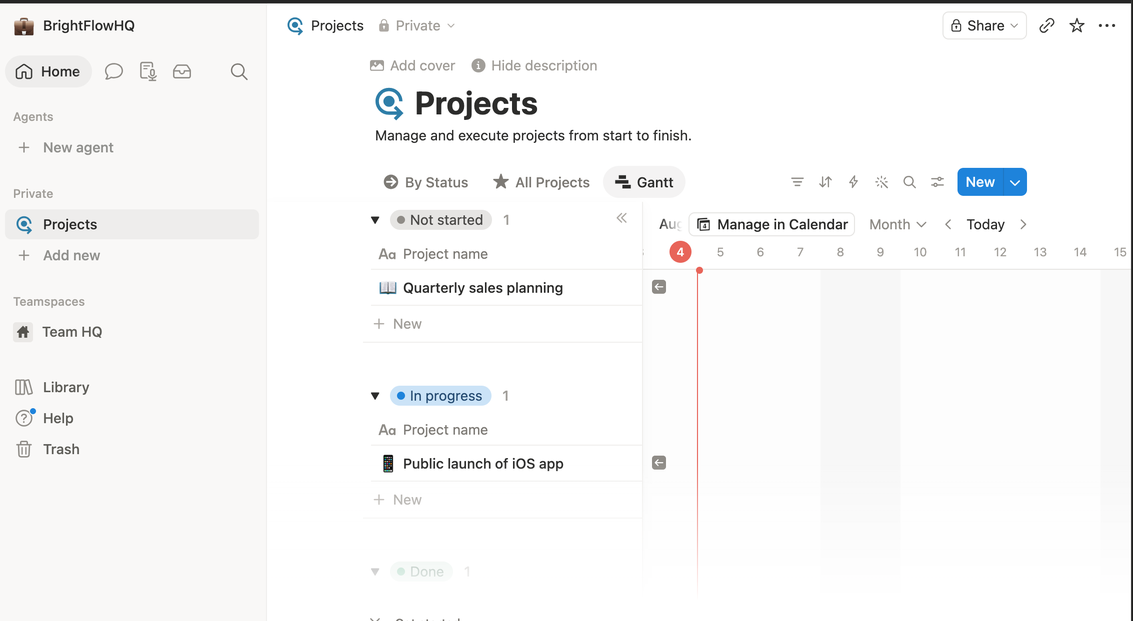
The risk is the blank-canvas problem. Notion gives you infinite freedom and zero opinion, which means the structure is only as good as the discipline of whoever builds it. Teams without a “Notion person” often end up with a sprawling, half-abandoned workspace.
Choose Notion if: your work revolves around documents and knowledge, you’re solo or a small team, and someone on the team enjoys building systems.
Avoid if: you need strict task accountability across many people, or nobody wants to maintain the workspace.
ClickUp: The Everything Platform
ClickUp’s pitch is “one app to replace them all,” and it takes that seriously: tasks, docs, goals, whiteboards, time tracking, dashboards, automation, it’s all in there. For operations-heavy teams that genuinely use those capabilities, consolidating tools into one subscription is real money saved.
The cost is complexity. ClickUp has the steepest learning curve of the three, and its abundance of views, settings, and features can overwhelm teams that just wanted a task list. It rewards power users and punishes casual ones.
Choose ClickUp if: you’re consolidating multiple tools, you have complex workflows (client ops, agencies, product teams), and you’re willing to invest setup time.
Avoid if: your team resists complicated software, or your needs are simple enough that most features would sit unused.
Asana: The Focused Finisher
Asana does fewer things than the other two, on purpose. It’s a project and task manager with an opinionated, clean design, and that focus is exactly why teams adopt it successfully. Onboarding is fast, the interface stays out of the way, and the question “who’s doing what by when” is always easy to answer.
The tradeoff is depth. Asana isn’t trying to be your wiki or your document workspace, so most teams pair it with other tools. And at the paid tier it’s the priciest per user of the three.
Choose Asana if: you want a team actually using the tool within a week, your priority is task clarity and accountability, and you’re fine keeping docs elsewhere.
Avoid if: you want one tool for everything, or you’re price-sensitive at team scale.
The Bottom Line
- Solo freelancer or docs-driven small team → Notion
- Ops-heavy team consolidating tools, comfortable with complexity → ClickUp
- Team that needs adoption and accountability fast → Asana
All three have free tiers worth testing, but test with a real project, not a toy one. The tool that survives contact with your actual Tuesday is the right one.
FAQ
Which is easiest to learn: Notion, ClickUp or Asana?
Asana is generally the most approachable for straightforward task management. Notion is flexible but starts as a blank page you must design. ClickUp packs the most features and has the steepest learning curve.
Can Notion replace a project management tool?
For solo work and small teams, often yes, using databases and board views. Larger teams that need dependencies, workload balancing and reporting usually prefer Asana or ClickUp.
Which is best for a small team?
Docs and knowledge-heavy teams tend to prefer Notion; teams that want everything in one configurable tool prefer ClickUp; teams that mainly need clear owners and deadlines prefer Asana.